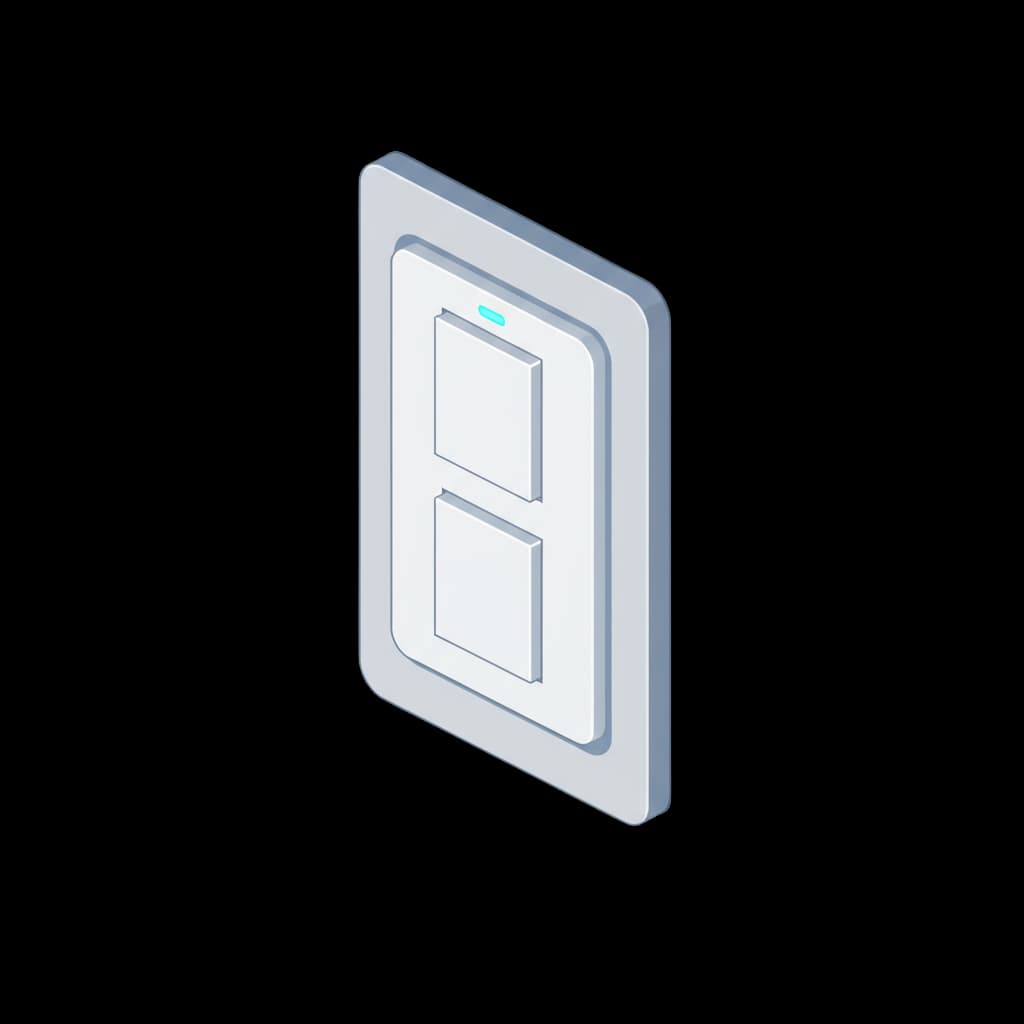
What is this?
Smart light switches connect to your home WiFi network and can be controlled via apps, voice assistants, or physical buttons on the switch. When they stop responding, the issue is usually related to the WiFi connection, the smart home hub, the app, or the switch's firmware rather than an electrical fault. However, smart switches can also fail electrically like any other switch, and some have a neutral wire requirement that causes issues if not wired correctly during installation.
Common causes
- WiFi network issue — the switch has lost its connection to the router
- Smart home hub or bridge offline or unplugged
- Switch firmware needs updating or has corrupted
- Power interruption has reset the switch to factory defaults
- Missing neutral wire causing the switch electronics to malfunction
Is it dangerous?
A non-responsive smart switch is generally not dangerous. Most smart switches have a manual override button or toggle that works even when the smart features are offline. If the manual button also does not work, there may be an electrical fault. If the switch is warm, has a burning smell, or makes unusual noises, turn off the circuit at the consumer unit.
Can I fix it myself?
First, try the manual button or toggle on the switch — most smart switches have physical controls. If the manual switch works but smart control does not, the issue is WiFi or app-related. Check your WiFi router is working and the switch is within range. Try power-cycling the switch by turning it off at the consumer unit for 10 seconds. Check the app for firmware updates. Re-pair the switch if necessary. If you have a smart home hub, restart it.
When to call an electrician
Call an electrician if the manual button does not work (electrical fault), if the switch was recently installed and has never worked properly (possible wiring issue), or if you want to replace the smart switch. Some smart switches require a neutral wire that may not be present in older UK lighting circuits — an electrician can advise on compatibility.
What will an electrician do?
Check the wiring to confirm the switch is correctly installed
Verify whether a neutral wire is present (required by many smart switches)
Test the switch for electrical faults separate from smart connectivity issues
Replace the switch if the electronics have failed
Advise on alternative smart switch models that work without a neutral wire if needed
Typical cost
£60 – £150
If the issue is WiFi or app-related, an electrician may not be needed. If the switch needs replacing or a neutral wire needs running, costs are at the higher end.