Data Cabling & Ethernet Installation
Professional Cat6 and Cat6a data cabling installation by qualified electricians. Structured network wiring, patch panels, and home office setups. Qualified and insured.
Get a quote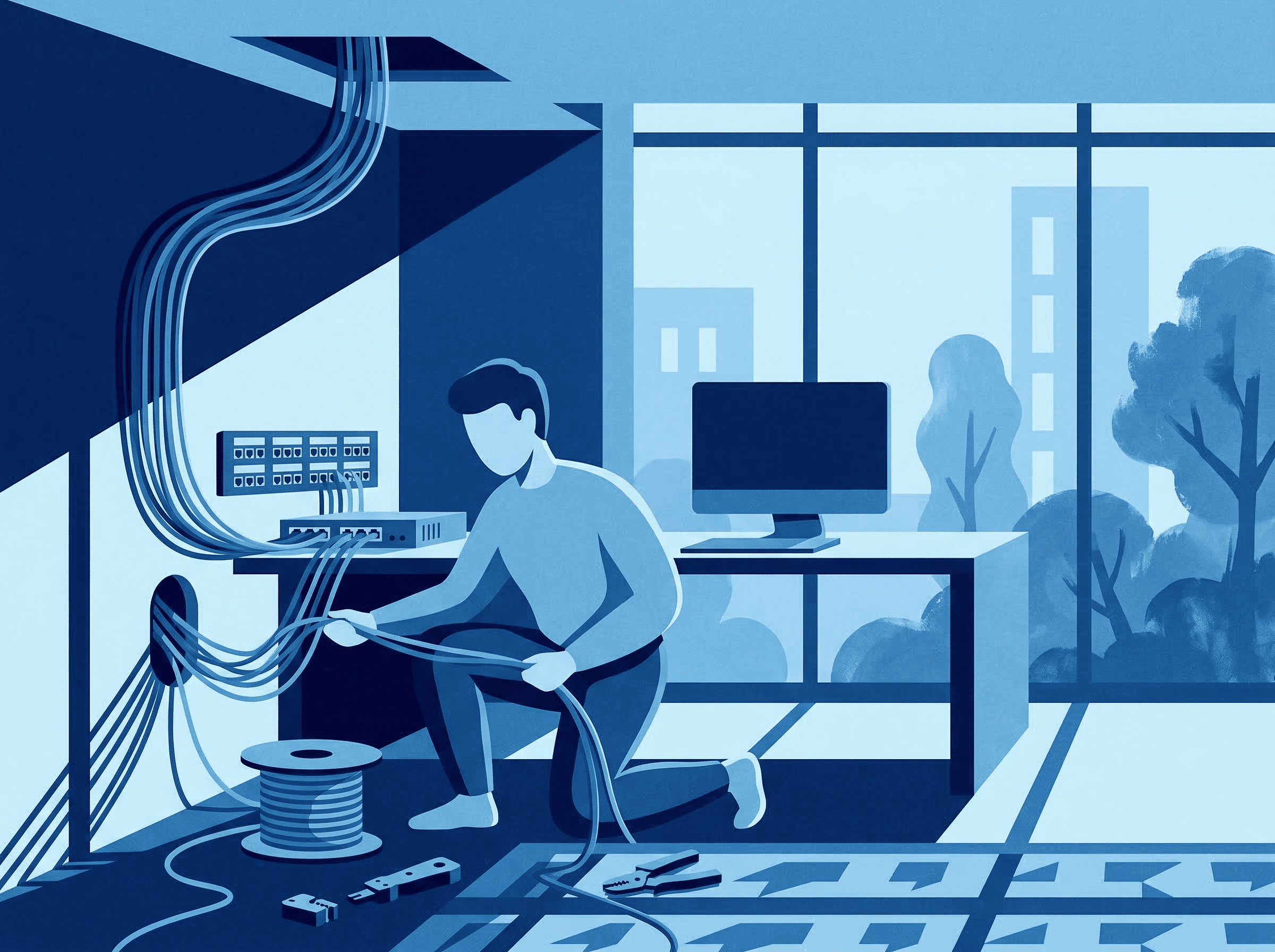

Data Cabling & Ethernet Installation
Qualified electrician
Same-day service
Most jobs matched within hours.
Upfront pricing
Clear quotes before work starts.
Qualified pros
NICEIC & NAPIT registered.
Pay when done
Funds held until you're happy.
How it works
Network design consultation
The electrician discusses your requirements — number of network points, locations (home office, living room, bedrooms), current and future bandwidth needs, and whether Cat6 (1 Gbps at 100m) or Cat6a (10 Gbps at 100m) is appropriate. A floor plan is marked up showing cable routes and outlet positions.
Cable routing and containment
Cables are routed from the central equipment location (where the router and patch panel will live) to each outlet position. Routes use ceiling voids, under floors, within stud walls, or surface-mounted trunking. Cables are separated from mains wiring by the required clearance distance. Fire stops are maintained at all penetrations through walls and floors.
Patch panel and cabinet installation
A wall-mounted patch panel (or small network cabinet for larger installations) is installed at the central location. Each cable is terminated onto the patch panel using punchdown connections. The panel is labelled with room identifiers matching the outlet positions. Short patch leads connect the panel ports to the router or network switch.
Outlet installation and termination
At each room, a flush-mounted or surface-mounted network faceplate with RJ45 keystone jacks is installed. Cables are terminated using the T568B wiring standard. Each outlet is labelled to match the patch panel.
Testing and handover
Every cable link is tested using a cable tester to verify continuity, correct pin mapping, and absence of faults (shorts, opens, crossed pairs). For Cat6a installations, a fluke-type channel tester may be used to certify performance to the TIA/EIA-568 standard. A test report is provided for each link.
What's included
What's involved
Data cabling installation provides reliable, high-speed wired network connectivity throughout your property. The installation involves running Cat6 or Cat6a ethernet cables from a central patch panel to network outlets in each room, terminating cables with RJ45 keystones, and testing every link for performance. Wired networking delivers consistent speeds of 1-10 Gbps without the interference, congestion, and latency issues that affect Wi-Fi — essential for home offices, video conferencing, streaming, gaming, and smart home systems.
Data cabling involves routing cables through walls, floors, and ceiling voids alongside mains electrical wiring. Separation distances between data cables and power cables must be maintained to prevent electromagnetic interference — BS 7671 specifies minimum clearances. While data cabling itself is extra-low voltage and not notifiable under Part P, the physical installation requires the same skills as electrical wiring: cable routing, containment, fire stopping, and correct termination. A qualified electrician ensures the installation is neat, safe, properly separated from mains wiring, and tested to TIA/EIA-568 standards.
Get a personalised quote
Typical cost: £150–£500per installation
Every job is different — pricing depends on your property, location, and specific requirements. Describe what you need and a qualified electrician will quote you directly.
How long does it take?
3-6 hours for 2-4 network points in a typical house. A full day for 6-8 points or complex routes. Multi-storey properties with difficult access may take 1-2 days.
Regulations & safety
Safety notice
Data cables routed alongside or near mains power cables without adequate separation will suffer electromagnetic interference, causing network errors, speed drops, and unreliable connections. Maintain minimum separation distances at all times.
Cables passing through ceiling voids must not rest on or be tied to hot surfaces such as downlight housings or heating pipes. This can damage the cable insulation and create a fire risk over time.
If drilling through walls or floors to route cables, always use a cable detector and pipe detector first. Drilling into a hidden mains cable or gas pipe is extremely dangerous.
BS 7671:2018+A2:2022 (IET Wiring Regulations) — Separation Requirements
While data cabling is extra-low voltage, BS 7671 specifies separation distances between ELV data cables and mains power cables. Unscreened data cables in parallel with mains cables require a minimum 50mm separation (or use of a segregated compartment in trunking). Crossing at 90 degrees requires no minimum separation.
TIA/EIA-568 — Commercial Building Telecommunications Cabling Standard
The international standard for structured cabling systems. It defines cable categories (Cat5e, Cat6, Cat6a), maximum cable lengths (90m permanent link, 100m channel), termination standards (T568A and T568B), and testing requirements for installed cabling.
Building Regulations — Fire Stopping
Cables passing through fire compartment walls and floors must have fire stops reinstated. This applies equally to data cables and power cables. Intumescent sealant or fire-rated grommets are used to maintain the fire integrity of the building structure.
What to expect
Frequently asked questions
Is Cat6 or Cat6a better for a home network?
Can ethernet cables be run alongside mains power cables?
How many network points do I need?
Do I still need Wi-Fi if I have ethernet?
Other installations services
Browse more services in the installations category.
EV Charger Installation
Professional EV charger installation by qualified electricians. Qualified and insured.
Socket & Plug Installation
Professional socket installation by qualified electricians. New single, double, and USB sockets safely added to any room. Qualified and insured.
Light Fitting & Lighting Installation
Professional lighting installation by qualified electricians. Downlights, pendants, LED conversions, and dimmer switches fitted safely. Qualified and insured.
Electric Shower Installation
Professional electric shower installation by qualified electricians. Dedicated circuit, pull cord isolator, and supplementary bonding included. Qualified and insured.
Smoke & Carbon Monoxide Alarm Installation
Professional mains-wired interlinked smoke alarm installation by qualified electricians. Meets current Building Regulations. Heat detectors for kitchens included. Qualified and insured.
Electric Underfloor Heating Installation
Professional electric underfloor heating installation by qualified electricians. Mat and cable systems with thermostat control. Dedicated circuit. Qualified and insured.
Find data cabling & ethernet installation near you
Browse qualified electricians for data cabling & ethernet installation by London borough.
Need data cabling & ethernet installation?
Describe what you need to Sparky and we'll match you with a qualified electrician near you.
Book an ElectricianFind a Local Electrician
Need a qualified electrician? Browse all London electricians or find one in a borough near you.